|
10.23.13 BRP - Parts Order Invoice and Delivery Search
KB 3555, Release Note, BRP, 8/13/2026
Version 10.23.13 introduces a streamlined BRP integration with dedicated Parts Order Invoice Search and Parts Order Delivery Search features. These new search options provide faster access to invoice, delivery, and order tracking information directly within v10.
By centralizing these functions, Users can locate invoice and delivery documents more efficiently, simplifying the Parts Ordering workflow and reducing the steps required to access shipment and tracking information.
Parts Order Invoice Search
A new
Parts Order Invoice Search
has been added to improve how Dealerships locate and retrieve BRP invoice documents.
To access this feature, follow the path:
Parts > Parts Ordering > Search BRP Part Orders > select Parts Order Invoices Search
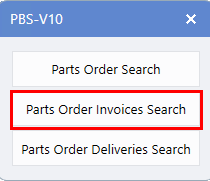
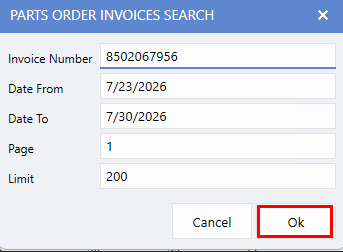
To search for an invoice, select
Parts Order Invoice Search,
then enter either an
Invoice Number
or a
Date range,
and click Ok.
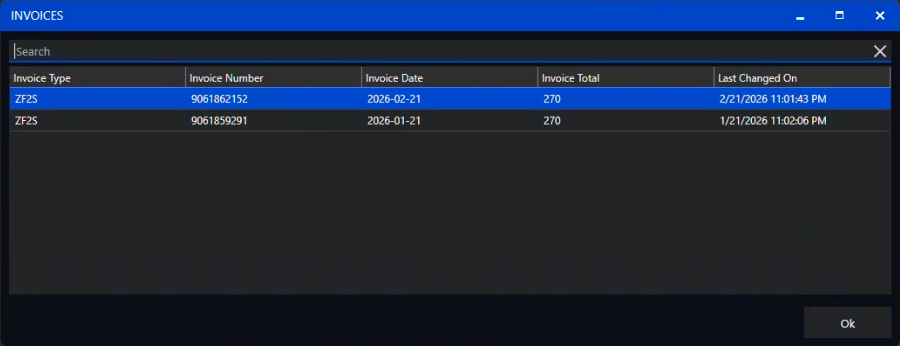
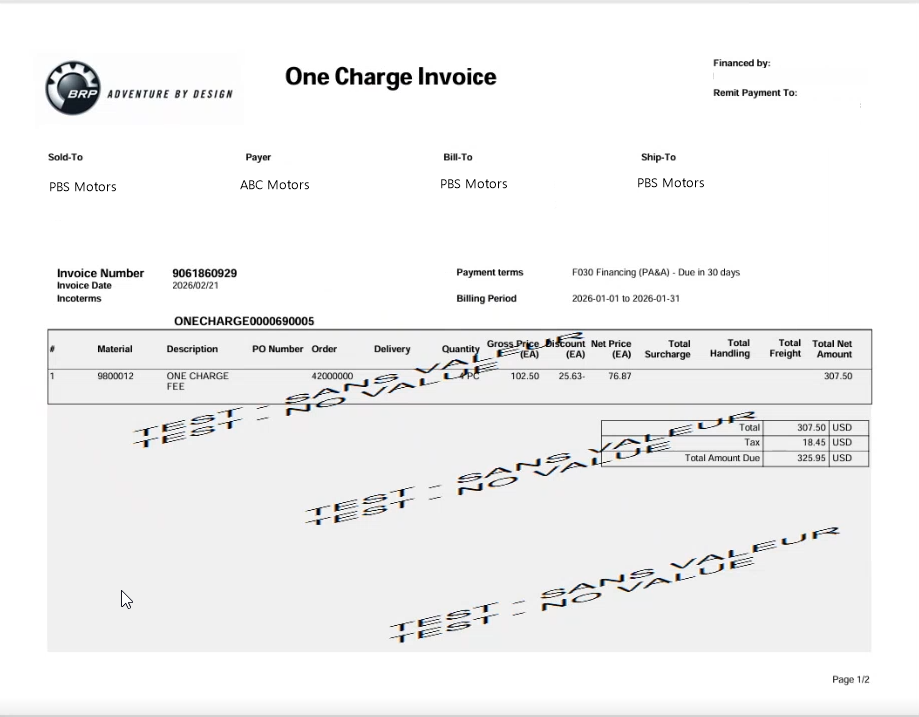
A list of matching invoices is displayed on this screen. Select an invoice to open and view it in PDF format.
Parts Order Delivery Search
A new
Parts Order Delivery Search
has also been introduced, compiling shipping information, and allowing Users to quickly retrieve a delivery document for ease of use.
To access this feature, follow the path:
Parts > Parts Ordering > Search BRP Part Orders > select Parts Order Deliveries Search
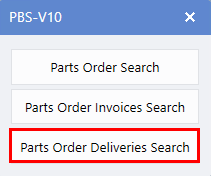
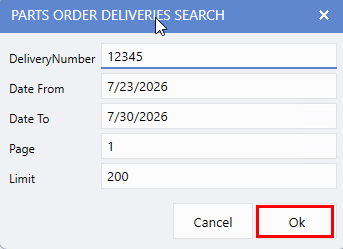
To search for a delivery, enter either a
Delivery Number
or a
Date range,
then click Ok.
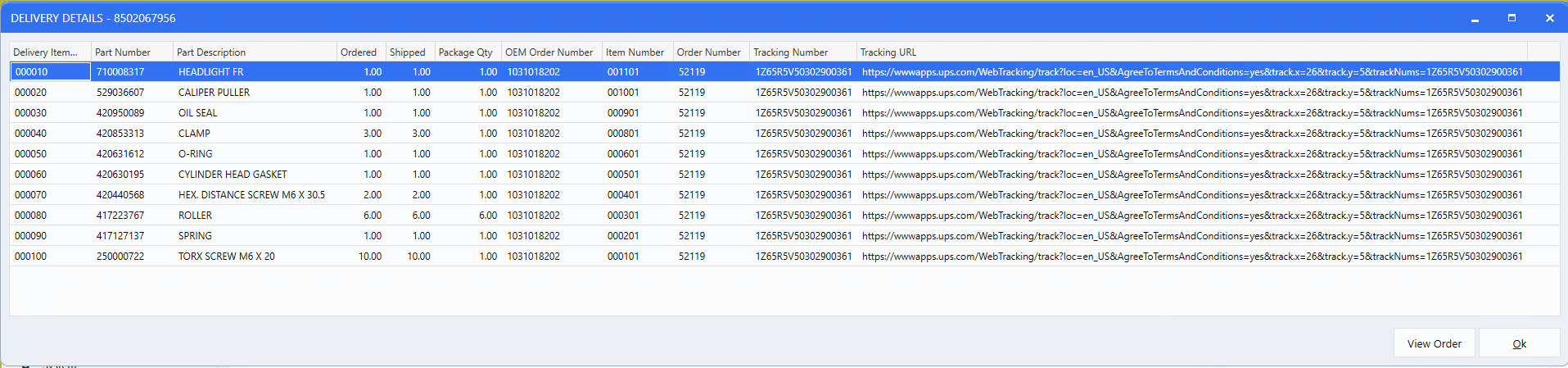
The Parts Order Deliveries window will open, showing all relevant delivery information. Select a delivery and click on
View Order
to open detailed information for the selected order.
|